Map your environment
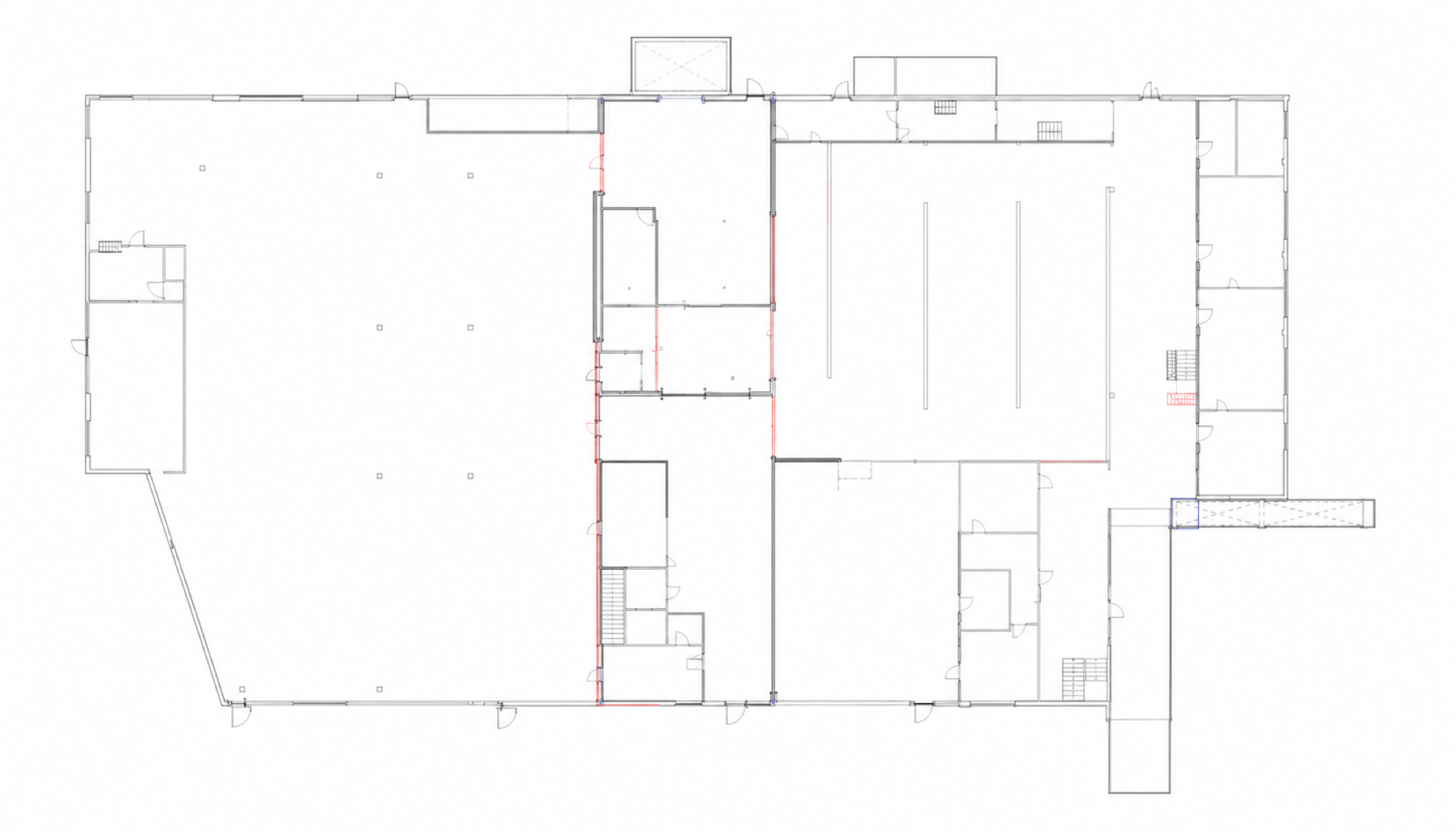
Place assets on a floor plan and draw your network topology. See what is connected.
Assets, connections and software.
Bring your industrial environment together on one canvas.
Even for colleagues who can't draw.
 OT Canvas
Example factory / Production line 01
Example environment
OT Canvas
Example factory / Production line 01
Example environment
The same data. A different perspective.
| Asset | Type | IP address | Location |
|---|---|---|---|
| Switch 01 | Network switch | 10.20.1.1 | Control cabinet 01 |
| PLC-L01 | PLC / controller | 10.20.1.10 | Control cabinet 01 |
| Operator panel | HMI | 10.20.1.20 | Production line 01 |
| Edge server | Server | 10.20.1.30 | Server cabinet 01 |
From serial numbers to lifecycle details: record what you need to manage your environment.
Make the relationships between systems clear.
Document software processes, their connections and the hardware they run on.
One environment, multiple perspectives. Try the tabs and select an asset.
YOUR FAMILIAR FLOOR PLAN
From locations on the factory floor to the connections between them.
Document how your OT environment fits together.
Place assets on a floor plan and draw your network topology. See what is connected.
IP address, serial number, firmware and contact details are just one click away.
Document Ethernet, Wi-Fi and fieldbus. Organise assets by group and network context.
Document software flows and link processes to the hardware they run on.
Record availability, replacement lead times and the downtime your process can tolerate.
Host OT Canvas in your own environment. No cloud connection is required.
FROM INVENTORY TO OVERVIEW
Add devices and record the details that matter, from location to IP address.
Place assets on your canvas. Connect devices, networks and software processes.
Work from the same overview during maintenance, changes and handovers to colleagues.
THE OT CANVAS PRODUCT FAMILY
Bring your floor plan to life with our live module.
Draw, document and manage your assets, networks and software in one visual workspace.
Explore the canvas
Live status for assets and flowchart processes, shown through coloured outlines and indicators on your canvas.
On request
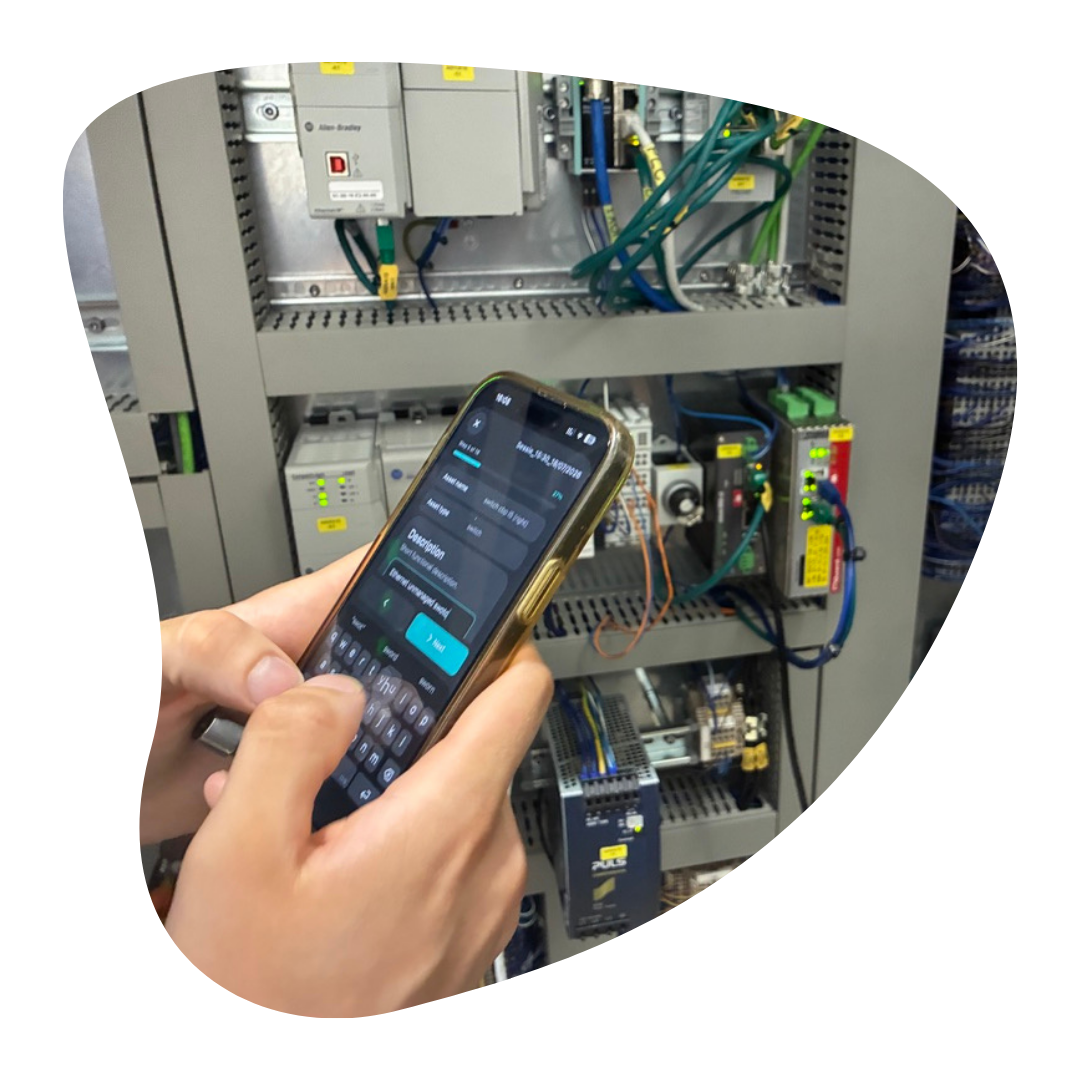
The mobile tool for capturing asset data at lightning speed using OCR.
Discover OT CatcherTHE MOBILE COMPANION
With OT Catcher for iPhone, capture asset data while standing beside the device. Scan a label, add details and build your inventory.
The standard format for OT Canvas is available in the OT Catcher app.
GOOD TO KNOW
OT Canvas is software for visually documenting your industrial OT environment. Assets, floor plans, network connections and software flows come together in one workspace. Built-in guardrails keep your drawing clear and organised.
Yes. OT Canvas is designed to run in your own environment, with local project data storage and a backup feature. You access the application through your browser and decide who has access.
OT Canvas provides the foundation for drawing and documentation. OT Canvas Live adds live status to assets and flowchart processes through coloured outlines and indicators. The mobile app is the tool for taking inventory on the factory floor.
No. It is an interactive product illustration with sample data. You can switch between network, floor plan, assets and software views. Select an asset in the network or on the map to see its details. No connections are made to devices.
For maintenance teams, OT engineers, systems integrators, asset managers and CISOs (Chief Information Security Officers) who want to document which systems they have, where they are and how they connect.
FROM SEPARATE DETAILS TO A CONNECTED VIEW
Give assets, connections and knowledge
a place on the same canvas.